

What is Dark Mode?
Dark Mode is a UI theme that uses bright text on a dark background. When the app is in Dark Mode, displaying ads with dark-toned creatives improves user experience. Enabling the Dark Mode creative feature allows you to operate ads optimized for both light mode and Dark Mode environments with a single Ad Unit.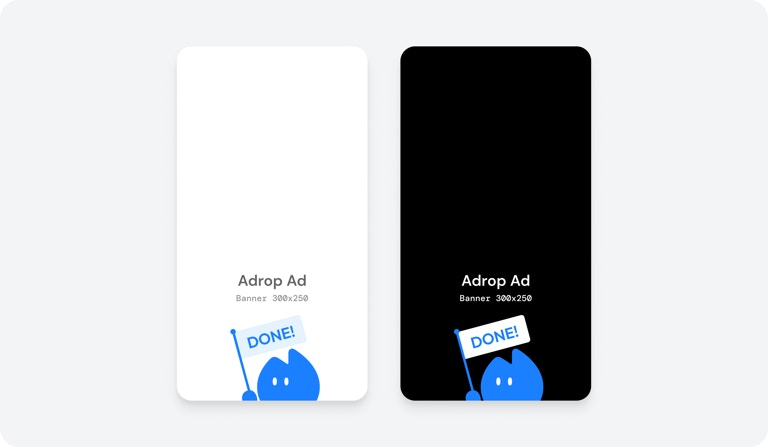
Supported Formats
The following Ad Units support Dark Mode creatives.- Banner
- Popup
- Splash
- Native
Configuration Method
Enable the Receive Dark Mode Creatives toggle when creating or modifying an Ad Unit.How It Works
- Ad Unit Setting: Enable receiving Dark Mode creatives in the Ad Unit.
- Creative Registration: Advertisers register both light mode and Dark Mode creatives when booking campaigns.
- SDK Request: The SDK automatically detects the app’s current theme (light/dark) and makes requests.
- Creative Response: Returns Dark Mode creative when Dark Mode is requested.
Fallback Behavior
If no Dark Mode creative is registered, light mode creative is displayed.Cautions
Changing Settings During Campaign If you enable Dark Mode for an Ad Unit included in a running campaign, light mode creative is displayed as the default. Creative Review Light mode and Dark Mode creatives are reviewed simultaneously. If either violates policy, the entire creative set is rejected.Next Steps
Creating Ad Units
Create your own Ad Unit