

Format Selection Guide
Banner

All sizes support video creatives. For more details, see Video Ad Units.
Banner Template
Using a template automatically applies background and padding around the ad creative. It naturally fills empty space when the creative size is smaller than the Ad Unit. Background Color If not using a template, you can set the background color directly. Choose a color that matches your app or website design.Carousel Banner
When multiple campaigns are running, carousel is activated to rotate ads. Ads are displayed in random order to prevent performance concentration on the first ad. Carousel Activation Select whether to use carousel when creating an Ad Unit.
Indicator Display
Shows which ad is currently displayed. Appears in the bottom right as “current position/total count” format (e.g., 1/3).
Rolling Time
The interval at which the carousel automatically switches. Default is 3 seconds, with 3-4 seconds recommended per ad.
Operation Policy
Is Carousel Really Effective?
While it seems efficient to show multiple ads in limited space, actual monetization data and user psychology show it’s not as effective as expected. Viewability Decline Only the first slide has exposure effect. Users quickly scroll without waiting 3-5 seconds for the next slide. Later ads load but aren’t actually seen, creating ‘phantom impressions’ that can lower bid prices over time. Divided Attention CTR is highest when a single static banner delivers a clear message. When images constantly change and multiple messages roll, users feel fatigued by information processing and tend to look away. Banner Blindness Users tend to recognize ‘moving sliders’ as ad areas and ignore them. Visibility is lower compared to native ads that naturally blend into content. Recommended AlternativesCarousel has good ‘space efficiency’ but poor ‘ad efficiency (revenue)’. If maximizing revenue is your goal, we recommend single banners.
Splash

Options
Features
Popup
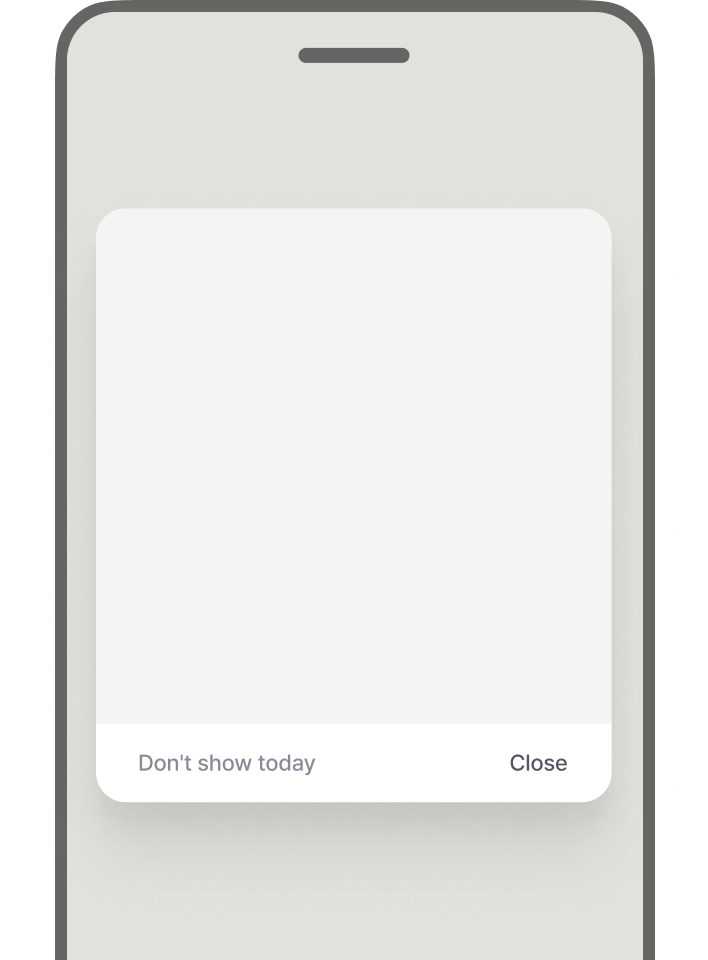
Templates
Popup ads offer two templates.Close Options
Close by Tapping Outside
Outside Area Background Brightness
Adjusts darkness of background behind popup. Choose from 80 (dark), 55 (medium), 30 (bright).
Don’t Show Today
Popup Carousel
When multiple campaigns are running, ads rotate in carousel format. Carousel Display Count LimitLimiting carousel count to 3-4 increases user focus and improves CTR.
Native
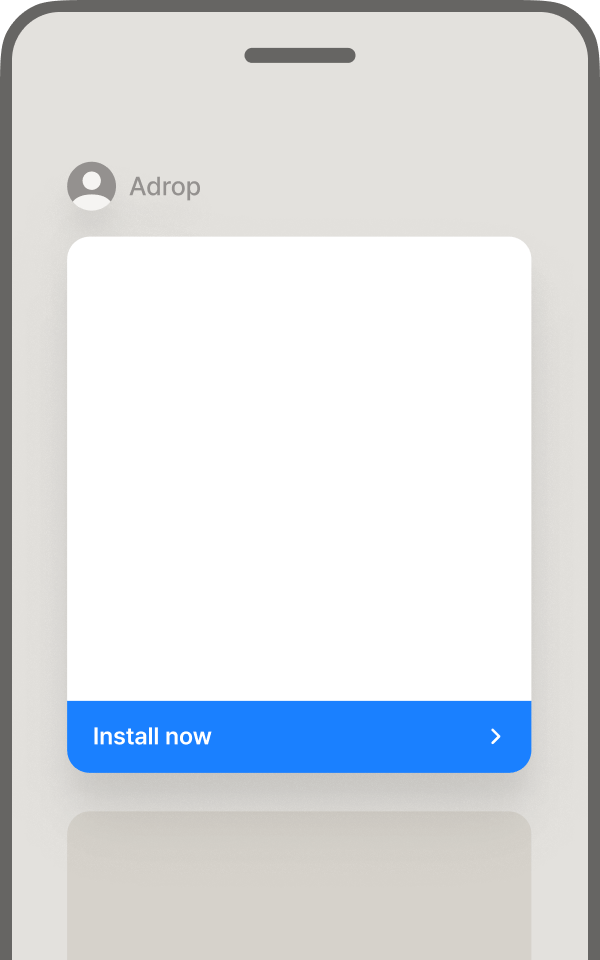
Native Default Fields
Default fields recommended for better ad performance.Native Additional Fields
Custom fields can be set for additional information like background color, tags, posting date, engagement metrics.Native Options
AD Mark Display Displays ‘AD’ watermark at top right of ad so users recognize it as advertising. If disabled, users may not recognize it as an ad. Accept Dark Mode Creatives When enabled, you can accept creatives for dark mode.Interstitial

Close Button Delay Time
Sets time until close button appears after ad is displayed. Users cannot close the ad during delay time, so set appropriate time to balance ad effectiveness and user experience.High exposure, CTR, and conversion rate are advantages, but displaying too frequently can harm user experience (UX).
Rewarded
Advantages of Rewarded Ads
Next Steps
Video Ad Units
Check video creative specifications and supported formats.